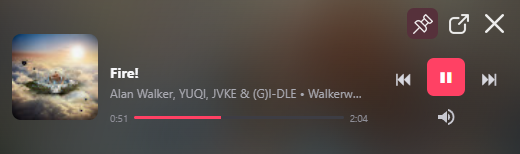
Your music follows you.
Control playback in a compact window that stays close while you do something else.
MusicDesktop gives YouTube Music a dedicated place on Windows, with a mini player and controls close at hand — without keeping a full browser open just to listen.
On Android? Discover MusicDesktop Remote
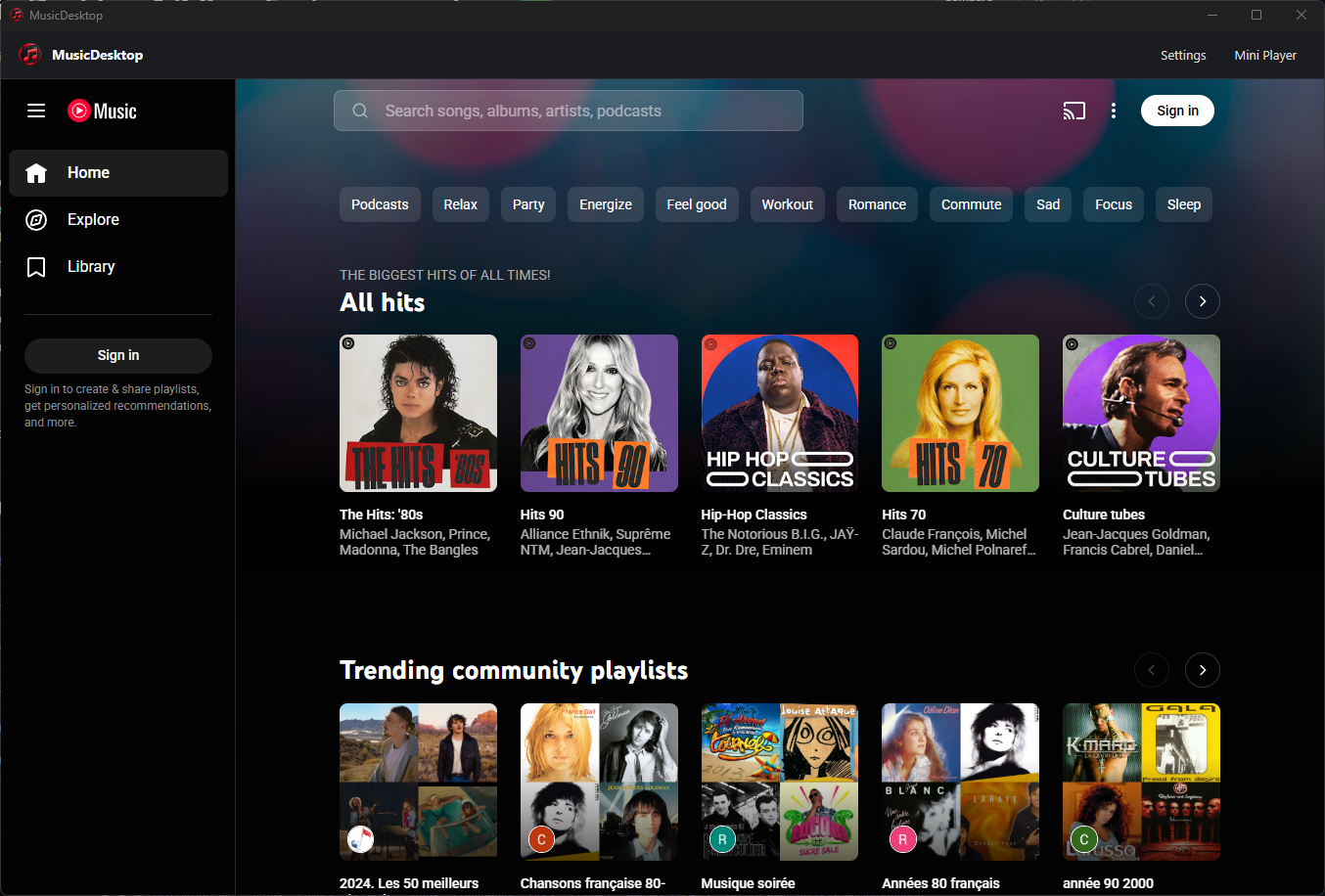
MusicDesktop adds the features you expect from a proper desktop application while keeping access to the music services you already use.
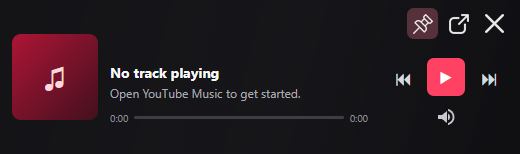
Control playback in a compact window that stays close while you do something else.
Keyboard shortcuts, tray access and system controls together in one place.
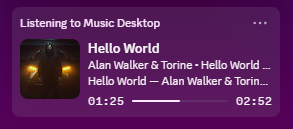
Show your current track in Discord, with the details you choose.
An overlay for OBS or Streamlabs, a live preview and styles to make your own. Streamer Studio is already part of MusicDesktop.
Choose what to show: the track, artwork, text or progress. Your changes stay in draft until you save them.
Explore Streamer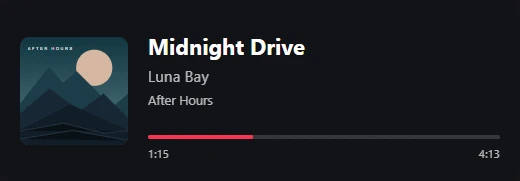
MusicDesktop 2.0.5
Lyrics on Remote, Last.fm history, three themes and updates on your schedule. Discover what’s new in MusicDesktop 2.0.5.
YouTube Music or LRCLIB timings take priority. An optional local engine can propose an alignment when lyrics have no timings.
Connect your account and choose whether MusicDesktop sends your listens to Last.fm.
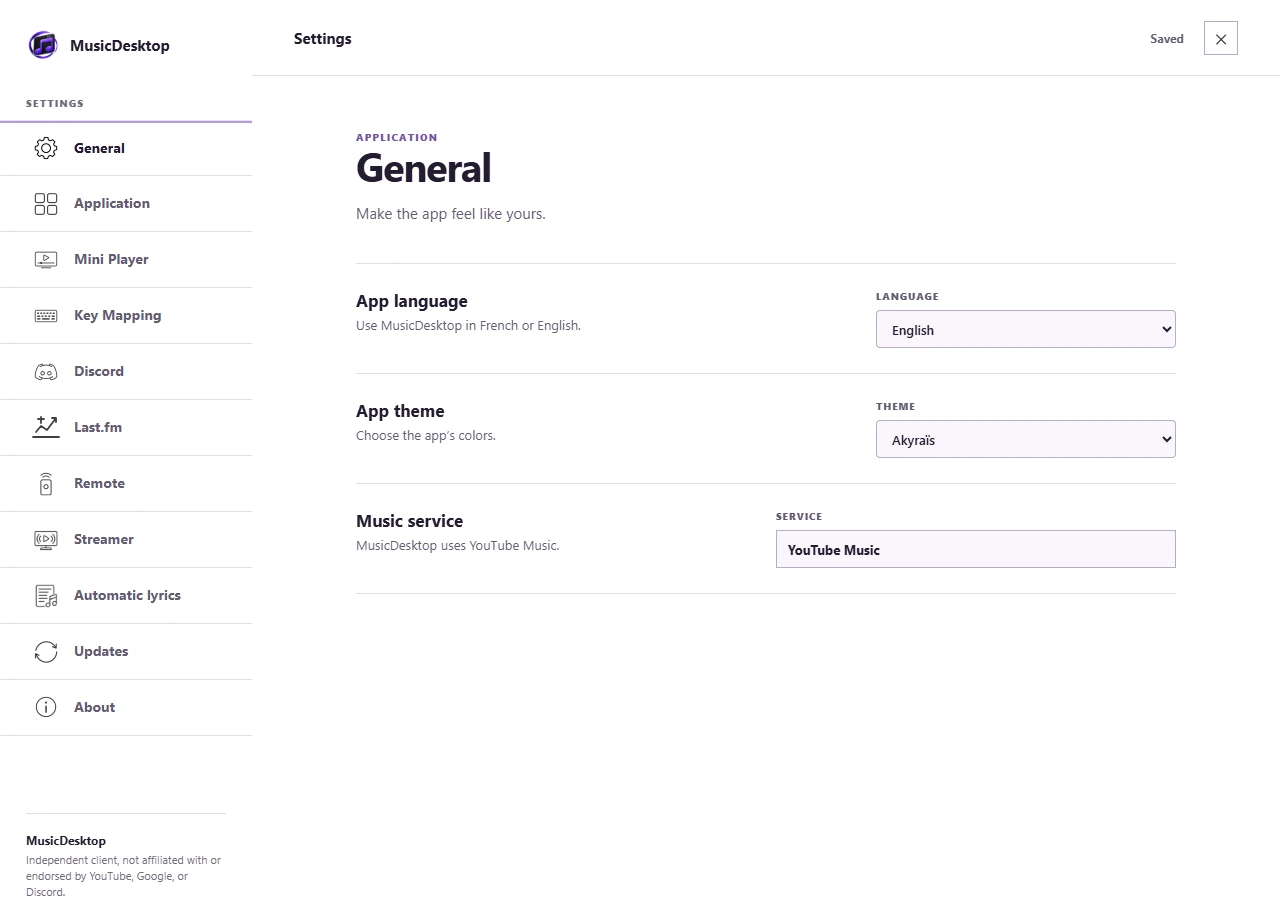
MusicDesktop, Akyraïs or Asashiin: choose your colours in General.
Follow the download in the app, then restart when you’re ready.
The mobile features shown require Remote 1.0.5 or a compatible version. Remote remains in closed testing on Android.
Find a quick answer, reach the team or ask the community—choose the route that works for you.
No Premium subscription is required. Donations are entirely optional and help support development and project infrastructure.